

Choose a block theme when you want to manage your website’s layout in the WordPress Site Editor. Choose a classic theme when its established controls, specialist integrations, or existing customizations serve your project better. When comparing WordPress block themes vs classic themes, focus on the work you will do after installation: changing menus, publishing pages, maintaining templates, and handing the site to someone else.
A theme demo can make both options look equally simple. The difference becomes clearer when you try to build a second header, adjust a post layout, or move a design to another theme. This guide gives you a practical way to decide without assuming that one theme type automatically produces a faster or more accessible website.
What changes when you choose a block theme?
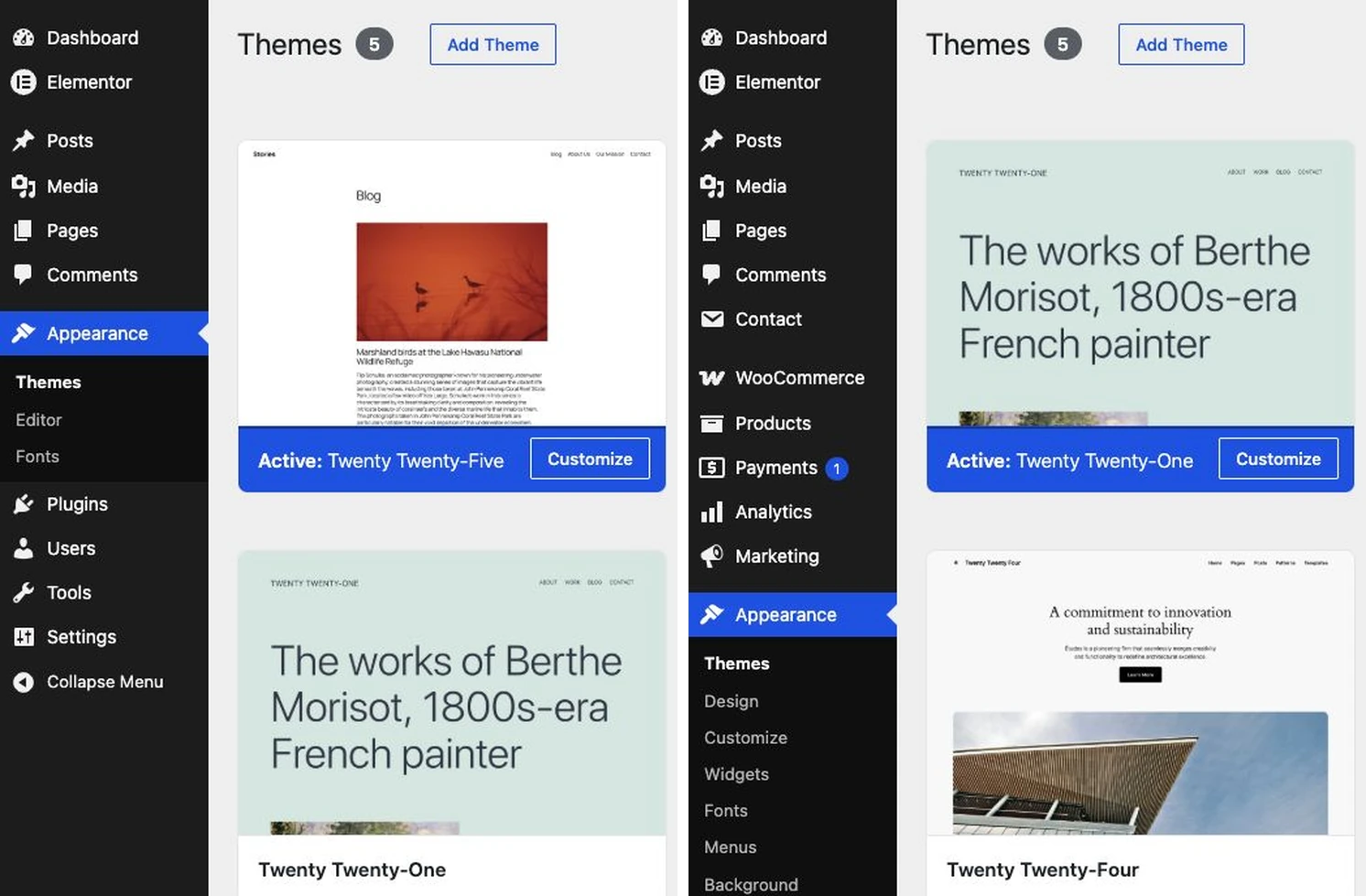
With a block theme, site structure is edited using blocks in the Site Editor. With a classic theme, structure generally comes from PHP templates and theme-specific controls. Classic themes can still use the block editor for post and page content. WordPress documents this distinction in its block themes guide.
Think about a service business with a homepage, six service pages, and a blog. In a block theme, its site owner might edit the shared header, set the default heading style, and adjust the single-post template from the same editing environment. In a classic theme, equivalent tasks may be spread across the Customizer, widgets, menu settings, theme options, or a developer’s files.
Neither arrangement is inherently confusing. The better one is the arrangement your team can understand and support. A narrowly designed classic theme may expose exactly the options a business needs; a flexible block theme may give another business valuable independence.
Block themes and classic themes compared
| Decision | Block theme | Classic theme |
|---|---|---|
| Shared layout editing | Site Editor templates and template parts | Theme controls and PHP templates |
| Writing posts | Block editor | Can also use the block editor |
| Design ownership | More layout changes available visually | Depends on the theme’s options and extensions |
| Custom development | Block templates, styles, and theme configuration | PHP templates, hooks, styles, and configuration |
| Migration planning | Review saved templates, parts, and styles | Review widgets, menus, theme options, and overrides |
Use this table to identify the workflow you are buying. It is not a scorecard declaring that every theme in one column is better. Individual products differ substantially in documentation, support, defaults, and compatibility.
When a block theme is a good fit
A block theme is worth testing if your team often requests changes to headers, footers, content widths, and page layouts. Instead of asking a developer to make every structural adjustment, an editor can work within the controls the theme exposes. This is especially useful for small marketing sites whose layouts evolve through ordinary content work.
It can also suit teams that want a smaller collection of editing systems. Using core blocks, a deliberate pattern library, and a limited set of extensions can make training easier. That benefit depends on discipline: installing several overlapping block collections can recreate the complexity you were trying to avoid.
Before choosing this route, ask a nontechnical teammate to complete three tasks: update a navigation link, create a service page from a pattern, and replace the footer’s contact details. Watch where they hesitate. Their experience is more useful than a feature list promising unlimited design freedom.
When a classic theme is a sensible choice
Keep a well-supported classic theme in consideration if your existing site depends on theme hooks, custom PHP templates, or a specialist integration you have already verified. Replacing that foundation solely to adopt a newer editing method can create work without solving a business problem.
A classic theme may also suit a controlled publishing environment. Some teams want authors to edit articles while a developer owns global layout. A carefully configured classic theme can support that division. Block themes can also restrict editing, but the required configuration should be part of your evaluation.
For an established site, calculate the cost of rebuilding existing customizations. Include testing search results, product pages, forms, and content created with proprietary shortcodes. The purchase price of a theme is only one part of the decision.
Where hybrid themes fit
You may find a theme described as hybrid. This generally refers to a classic theme adopting selected block-related capabilities rather than becoming a full block theme. The WordPress developer explanation of hybrid themes describes this gradual approach.
Treat “hybrid” as a prompt to investigate, not a promise of a particular feature set. Ask which editor controls are available, how shared layouts are maintained, and whether you need an extra plugin for the advertised design. Try the exact tasks your team needs rather than assuming the label answers them.
Do block themes load faster?
Theme type alone cannot answer that question. Compare the actual pages you intend to ship, including their images, fonts, scripts, and extensions. A minimal page with one heading is not a fair substitute for your homepage with a gallery and enquiry form.
Use the same hosting environment and representative content for both candidates. Test a homepage, an article, a service page, and a search results page. Record the median of several runs under the same conditions and inspect what loads. If one candidate needs three additional extensions to reproduce the required design, include those extensions in its test.
The goal is an acceptable experience within your maintenance budget. A small difference in one synthetic score should not outweigh broken navigation, a missing integration, or an editing workflow your team cannot use.
A practical selection exercise
Imagine a local consultancy preparing to redesign its website. Its owner needs to publish case studies, update services, and change a seasonal call to action. Its requirements do not include a membership area or complex booking flow. A useful test would give each candidate the same case study and ask the owner to build it.
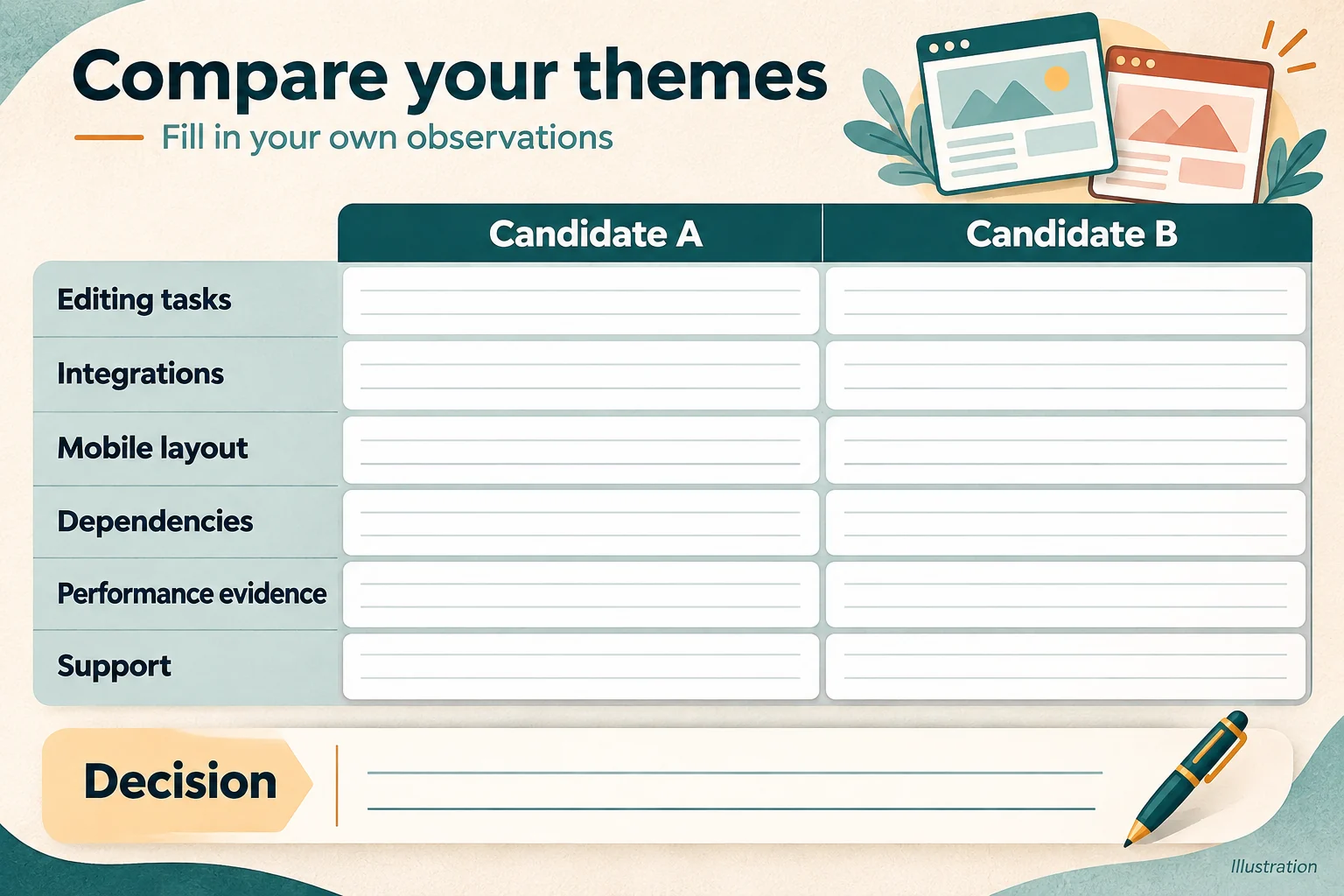
- List five recurring editing tasks and the person responsible for each.
- List integrations that must keep working, including forms and multilingual tools.
- Build one representative page with each candidate on staging or in a local WordPress test environment.
- Test the mobile menu and keyboard navigation.
- Record required plugins, recurring costs, and support arrangements.
- Choose the candidate that meets the requirements with the clearest ongoing workflow.
Give essential requirements a pass or fail before assigning preference scores. If your payment extension does not work with a candidate, a beautiful homepage should not compensate for that failure.
Plan for maintenance and a future switch
Separate business functionality from presentation where possible. Your products, events, bookings, or reusable business data should not depend entirely on a theme that you may replace. Check what happens when the candidate is deactivated on a test site.
Document where important settings live. For a block theme, this includes saved template changes, shared parts, patterns, and style decisions. For a classic theme, include menu locations, widget assignments, custom CSS, child-theme changes, and theme options. Keep a backup and a small set of reference screenshots.
Frequently asked questions
Can a classic theme use Gutenberg?
Yes. Editing post content with blocks and editing the whole site with the Site Editor are different capabilities. Check both separately when evaluating a classic theme.
Will switching to a block theme redesign existing pages automatically?
It will change presentation, but you should expect review and rebuilding work. Existing content, old builder layouts, menus, widgets, and custom templates may need different treatment. Test the migration before changing the live site.
Should every new website use a block theme?
Start by testing one if visual site editing matches your needs, then validate the full project. A specialist requirement, an established development workflow, or a verified integration can justify another choice.
Choose the theme you can edit, test, and maintain confidently. A realistic trial page and a written requirements list will tell you more than a theme label or a polished demo.
Leave a Reply