
To choose a fast WordPress theme, test a realistic page with the plugins, images, and layout your website will actually use. Keep hosting and test conditions consistent, inspect what loads, and reject candidates that need unnecessary dependencies to deliver your requirements. A fast-looking demo or a single perfect score is not enough evidence.
The theme is one part of website performance. Hosting, content, extensions, fonts, and third-party services also affect the visitor’s experience. This guide gives you a fair evaluation process so you can choose a theme on evidence without confusing an empty test page with a finished website.
Define what “fast” needs to mean for your site
Start with the pages and actions that matter. A portfolio needs responsive galleries and smooth image viewing. A service business needs a quickly usable homepage and enquiry form. An online store needs product selection, cart updates, and checkout to remain responsive.
Google’s Core Web Vitals overview identifies loading, interactivity, and visual stability as distinct concerns. Use those categories to structure your notes rather than treating all performance as one number. A page can show its main image quickly while still responding poorly to a menu interaction.
Write a short acceptance statement before comparing themes: “Visitors should be able to read the service introduction, open navigation, and reach the enquiry form on a modest phone without layout jumps.” This keeps the evaluation connected to an actual task.
Inspect the theme’s dependencies
Read the installation guide before importing a demo. List required plugins separately from optional enhancements. Determine whether the theme needs a builder, slider, icon library, or block extension for the design you plan to use.
An extra plugin is not automatically a problem. The question is whether its cost serves a real requirement. A form extension that collects qualified leads may be necessary; three animation packages for decorative effects may be avoidable.
Check whether the theme can produce your essential layouts with a simpler configuration. If the advertised design only works with a premium extension, include its renewal cost and maintenance needs in your decision. A theme’s free download price does not describe its total operating cost.
Create a representative test page
Use staging or a local WordPress development environment and import your own sample content. Include the longest heading you expect, a realistic hero image, ordinary body text, a list, a call to action, and any component essential to your site. Add the actual form or store features if they are part of the project.
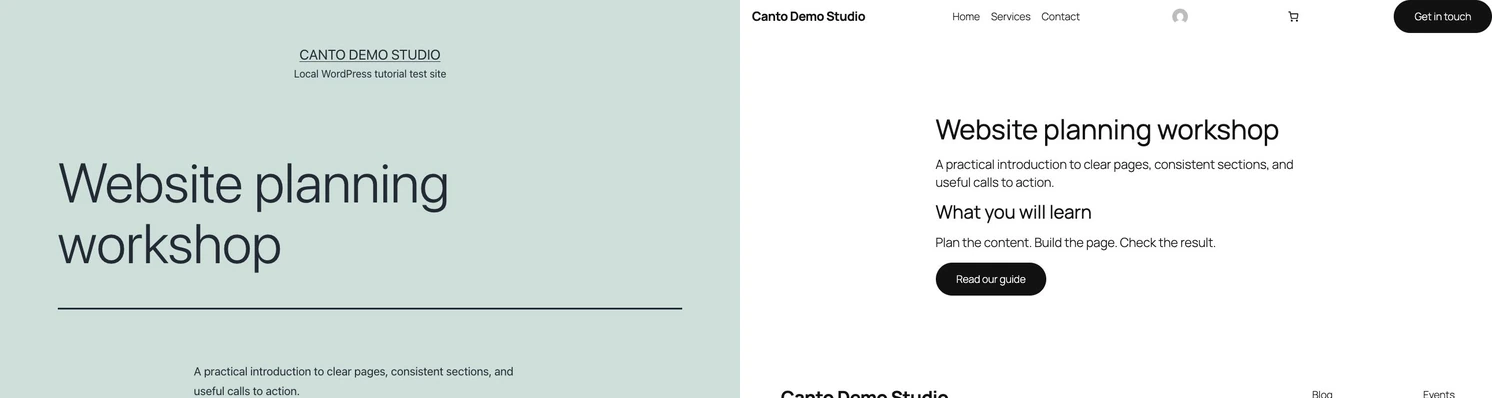
Build the same basic design with each candidate. Do not compare a plain page in one theme with a video-heavy demo in another. If the second candidate requires an extension to produce the layout, include that extension and record why it is needed.
Test several page types. A theme might keep the homepage simple but load a heavy gallery library on every post. Your evaluation should include at least an article, a content page, and any important archive or product page.
Keep the comparison fair
| Keep constant | Record for every candidate |
|---|---|
| Hosting environment and PHP configuration | Theme and plugin versions |
| Images, text, and page purpose | Required extensions and fonts |
| Cache state and test location | Page weight and request observations |
| Device and network simulation | Median results and visible problems |
Run each test several times and use a median result. Record whether the request was cached and whether you were logged in. A warm cached request and an uncached administrator request are different workloads and should not be mixed in the same comparison.
Test mobile and desktop separately. A powerful desktop computer can hide work that becomes noticeable on a phone. If possible, open the pages on a real midrange device as well as using a testing tool.
Read the performance report instead of chasing its score
Start with the visible symptom. If the hero appears late, look at its file size, discovery, and delivery. If the page shifts, inspect image dimensions, fonts, and late-inserted content. If clicking navigation feels delayed, inspect scripts and long tasks.
Use browser Network tools to see which assets the page requests. Identify large images, multiple font families, unused media, and third-party embeds. You do not need to understand every script to ask why a simple article downloads assets for components it never uses.
A report provides leads, not an automatic diagnosis. Removing a file simply because it is large can break a feature. Connect each optimization to a repeatable observation, change one thing, and test the same page again.
Separate theme work from content and hosting work
The WordPress optimization handbook covers performance as a broader system. Apply that perspective when a candidate performs poorly. An oversized uploaded photo may be easy to fix; a theme that requires numerous site-wide libraries may need a more fundamental design decision.
Create three columns in your notes: theme-controlled, content-controlled, and infrastructure-controlled. Put a default full-screen slider in the first, a large editorial photograph in the second, and a slow server response in the third. Some issues cross boundaries, so write your confidence level beside the assignment.
This prevents an expensive theme replacement when the main problem is elsewhere. It also prevents a strong hosting environment from making a needlessly heavy design look harmless during an initial demo.
A sample evaluation workflow
Suppose you are choosing a theme for an accounting firm. Its required page contains an introduction, three services, a team section, testimonials, and a contact form. Build that page once with each candidate and keep the copy and media the same.
- Start with the theme’s documented minimum plugin setup.
- Build the required sections without decorative extras.
- Test the page logged out and record caching conditions.
- Inspect the mobile menu and form interaction.
- Review asset requests and identify unexplained dependencies.
- Ask another editor to update a service section.
- Compare maintenance effort alongside performance results.
Now add a deliberate stress case: a longer heading, a second row of services, and a larger article listing. You are looking for graceful behavior as normal content grows, not a theme that only works with the demo’s exact text lengths.
Questions to ask the theme author
- Which plugins are required for the layouts I need?
- Can unused components and assets be disabled through supported settings?
- How are fonts loaded and how can I limit their variants?
- Are there documented compatibility notes for my essential plugins?
- How are performance regressions reported and investigated?
- What happens to my content if I switch themes later?
Look for specific answers and current documentation. A slogan such as “SEO optimized” does not explain script loading, layout stability, or the support process. If the author supplies a benchmark, ask what page and conditions it represents.
Make the final decision with a worksheet
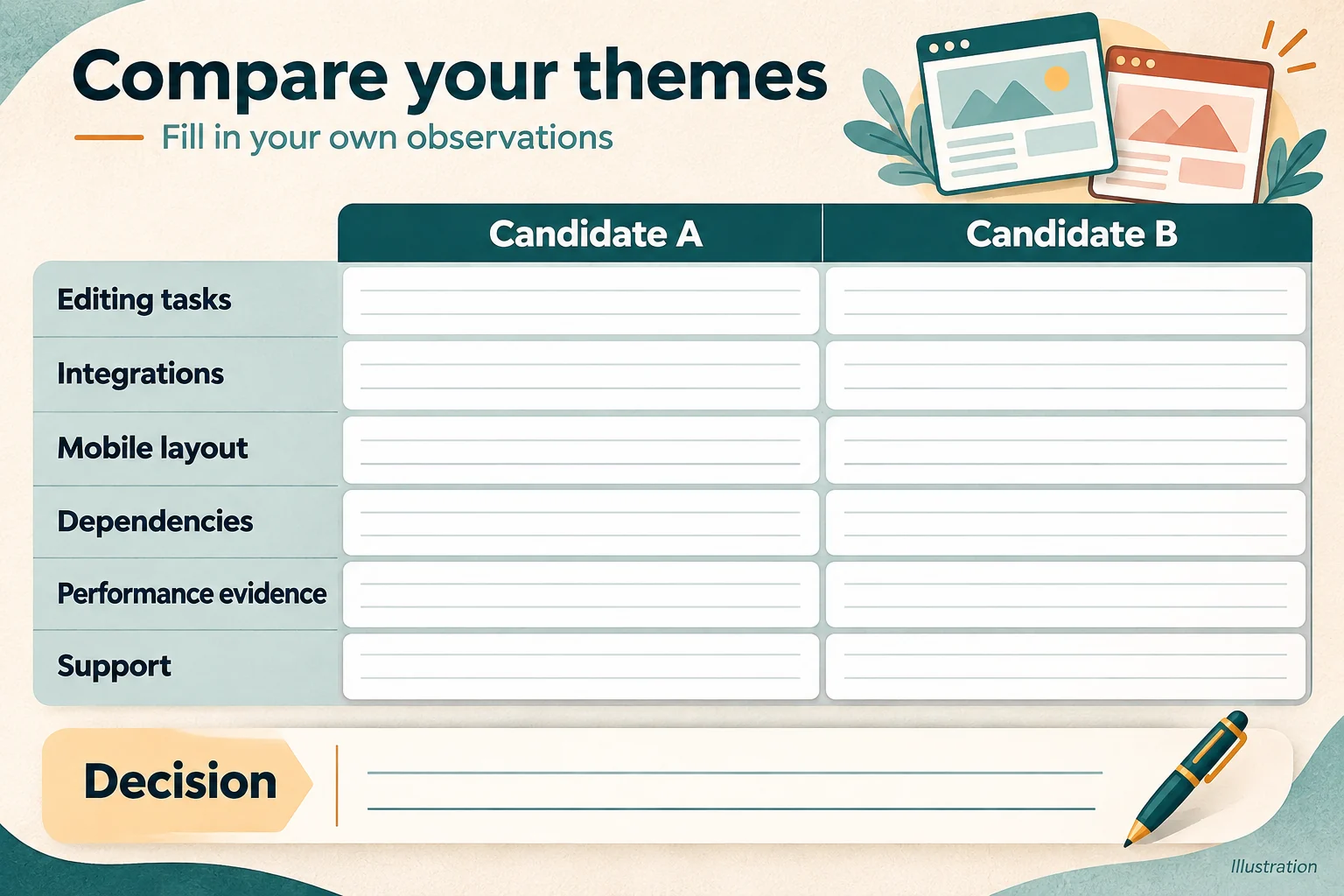
Give each candidate a pass or fail for essential features, then compare performance, editing effort, dependencies, and support. Keep your original reports and screenshots so you can revisit the decision when the site changes.
Choose a candidate that provides a strong baseline without forcing unnecessary features. You can optimize content and hosting later, but removing a deeply embedded design dependency can be much harder than choosing a simpler foundation now.
Frequently asked questions
Is a theme with fewer files always faster?
No. File count alone ignores size, caching, delivery, and browser work. Inspect the complete page and its interactions.
Should I demand a perfect performance score?
Use reports to identify meaningful problems and track improvements. A score can vary between runs, and a perfect empty-page result does not prove that your finished website will perform well.
Can a page builder be part of a fast website?
Evaluate the actual implementation. Required widgets, extensions, media, and third-party scripts all matter. Compare equivalent pages rather than assuming a product category determines the outcome.
A good theme evaluation ends with a repeatable test, a manageable dependency list, and a site your team can maintain. Keep those three pieces of evidence together.
Leave a Reply