
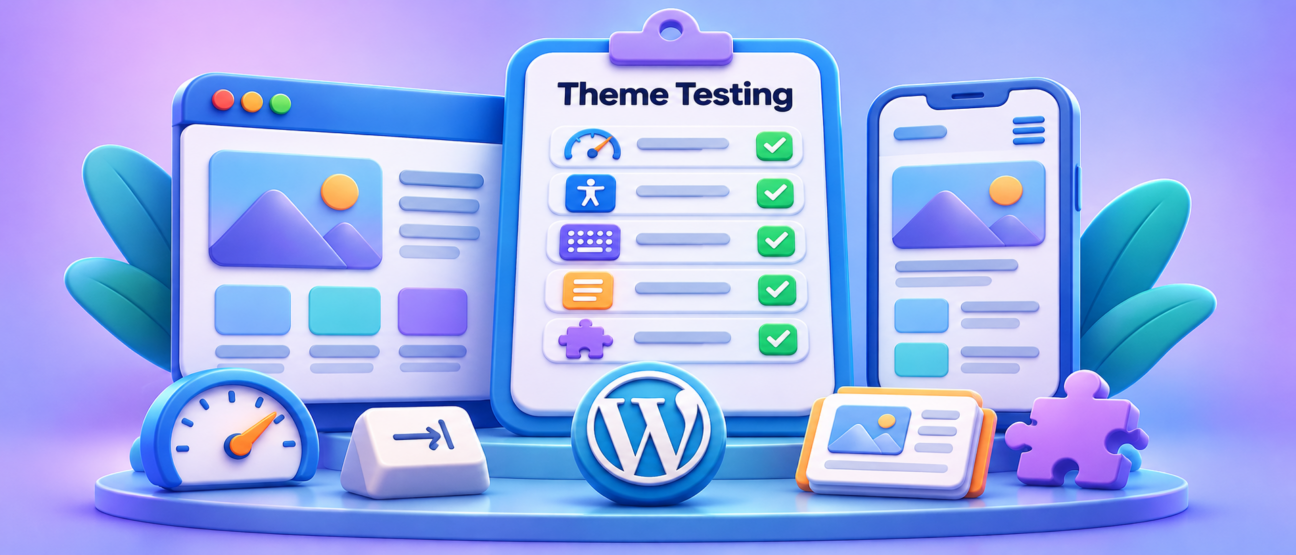
A WordPress theme testing checklist should cover representative content, essential plugins, performance, keyboard access, mobile layouts, and complete visitor journeys. Test the theme with your content and configuration before launch. A polished demo proves that one prepared example looks good; it does not prove your finished website will behave correctly.
This checklist is for site owners and teams evaluating a theme or preparing a redesign. It provides repeatable acceptance checks and an issue worksheet. Developers releasing a public theme will need additional code and repository-specific checks beyond this site-level review.
Prepare the test environment
Use staging or a disposable local WordPress site, make a backup, and record the versions of WordPress, PHP, the theme, and essential plugins. Match the production environment closely enough to test relevant compatibility, while protecting sensitive data and disabling real transactions or outbound customer messages.
List the important page types and actions before testing. A brochure site, store, and membership site need different coverage. Include the workflows that create value or prevent loss, such as a contact submission, purchase, account login, or booking.
Keep a written pass criterion for each check. “Looks good” is difficult to reproduce; “The mobile menu opens, exposes all primary links, closes, and leaves focus usable” is a test another person can repeat.
Build a realistic content set
Use your actual longest titles, ordinary paragraphs, featured images, lists, captions, and tables. Add a page with little content and another with a long article. Include empty or missing-image states where those can occur naturally.
The WordPress Theme Unit Test material provides a useful source of edge-case content. Import test data only into a disposable environment where extra records will not confuse the live site.
For a multilingual or right-to-left site, use representative language content and the intended language tools. Text expansion, different word boundaries, and directionality can reveal problems that English demo text does not show.
Check templates and shared structure
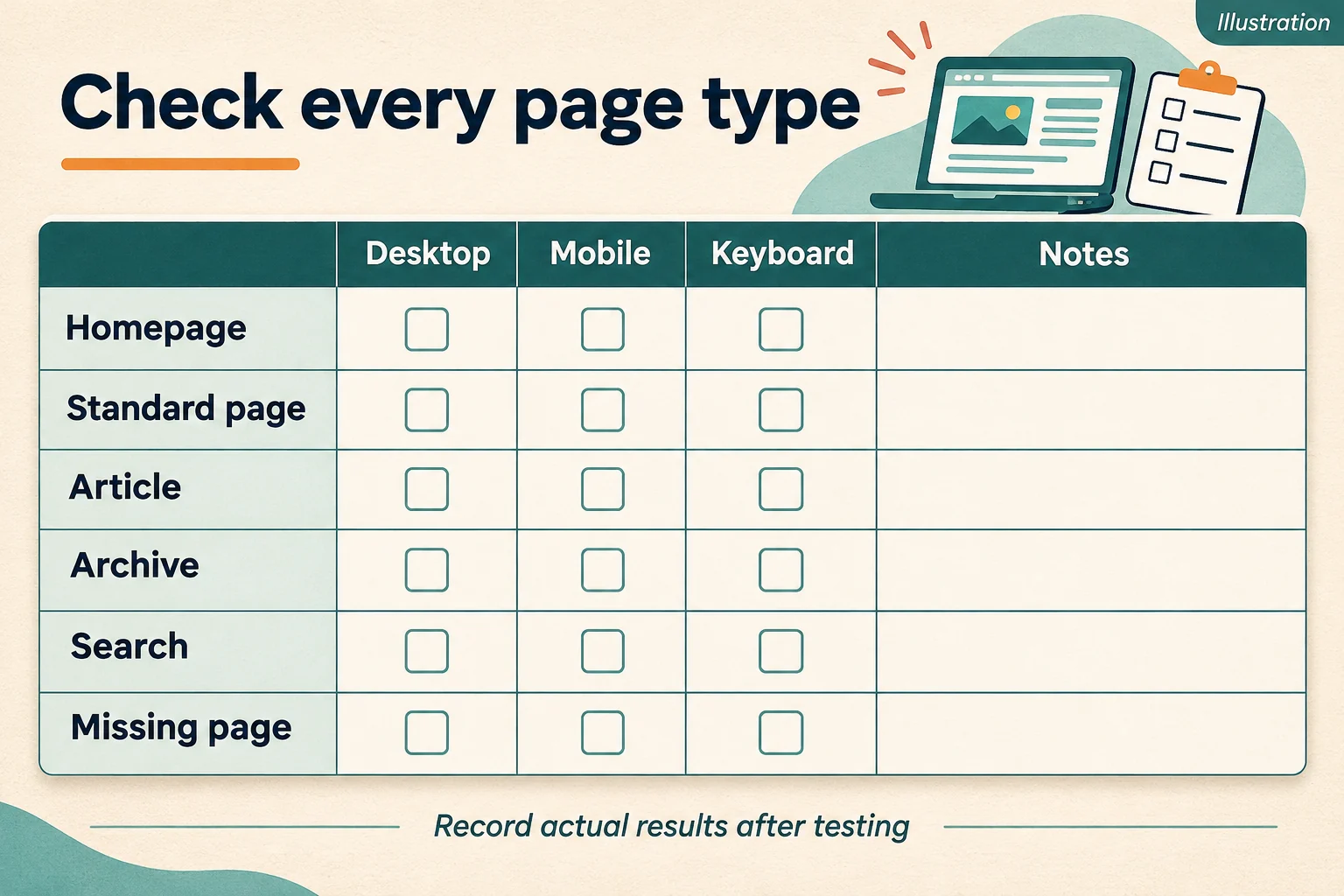
- Homepage shows the intended content and correct navigation.
- Standard pages display their unique body content.
- Single articles show titles, images, content, and relevant metadata.
- Archives and search results handle both populated and empty states.
- Pagination or loading controls reach additional content.
- The missing-page view gives a useful route back.
- Header and footer changes appear only where intended.
For a block theme, inspect the relevant template and Post Content placement. For a classic theme, review its documented page templates and widget areas. Confirm that custom layouts have clear names and ownership.
Check typography and content edge cases
Read a long article at ordinary size and increased zoom. Check that headings establish a sensible hierarchy and that links can be identified within paragraphs. Confirm that long titles wrap without covering nearby controls.
Inspect nested lists, quotes, captions, wide tables, and long unbroken text. The goal is accessible content, not forcing every component to fit a narrow screenshot. A table may need a suitable local scrolling arrangement while the main page continues to reflow.
Check editor-to-front-end consistency. Editors should have a reasonable idea of what will publish, even if the editor is not a pixel-perfect copy of every template.
Test mobile behavior across widths
Use a real phone plus responsive browser views. Check narrow, intermediate, and wide widths. Intermediate widths often expose navigation crowding and awkward column transitions that desktop and phone presets miss.
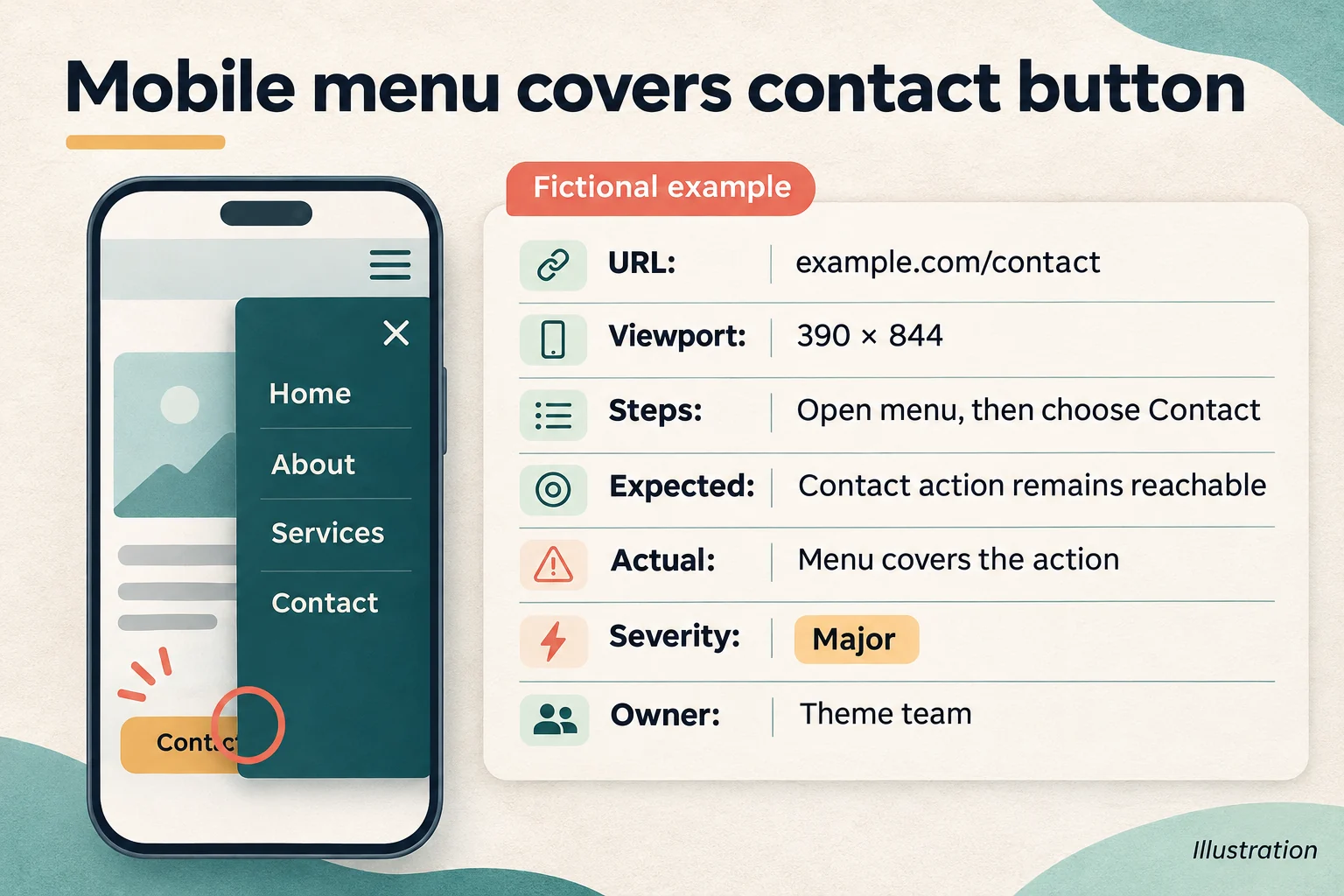
Test the mobile menu, galleries, forms, dropdowns, and any sticky elements. Confirm no content requires accidental sideways scrolling and no floating control covers a primary action.
Rotate a phone and repeat an important task. A layout that works only in one orientation needs investigation, especially if keyboard input changes the available screen area.
Perform an initial accessibility review
Use the W3C Easy Checks as an introduction to manual review. These checks find some barriers; they do not certify full accessibility. Include keyboard use, visible focus, headings, image alternatives, form labels, and contrast.
Start at the top of a representative page and use the keyboard to reach navigation and the main action. Check that interactive elements are visible when focused and that overlays can be dismissed. Do not use a mouse to rescue a failed keyboard step during the test.
Record whether a problem comes from the theme, content, plugin, or an uncertain source. Ownership guides the fix, but an uncertain owner does not make a visitor-facing barrier acceptable.
Measure performance fairly
Test equivalent pages under consistent hosting, device, and cache conditions. Save reports rather than copying only a score into the checklist. Inspect loading, interaction responsiveness, and movement while the page renders.
Include your actual fonts, images, and essential plugins. An empty-page result cannot establish the performance of your finished homepage. If a demo import adds unnecessary features, test a simpler supported configuration as a separate case.
Record expected variability and compare repeated runs. Mark a performance issue by its impact on the visitor journey rather than treating every minor score fluctuation as a release blocker.
Verify plugins and business workflows
List essential integrations and test them end to end. For a contact form, confirm both submission feedback and message delivery. For a store, test product options, cart changes, shipping calculation, and sandbox payment outcomes. For memberships, test the correct access states.
Check scripts and styling after optimization settings are enabled. A theme can work in an unoptimized environment but fail when assets are delayed or combined. Test the configuration you intend to release.
Review plugin-specific compatibility notes and the WordPress theme testing handbook for further development-oriented checks where applicable.
Check search and sharing presentation
Inspect page titles, descriptions, canonical output, headings, important internal links, and the presence of the main content. Confirm that theme and SEO plugin output do not create conflicting presentation.
Test representative social sharing data if it matters to your audience. Use a suitable image and accurate title rather than assuming the theme’s demo settings transferred correctly.
Verify environment settings at launch: production should have the intended indexability and staging should remain protected. A correct design with incorrect environment settings is not a completed release.
Classify issues by practical impact
| Severity | Example | Release decision |
|---|---|---|
| Blocker | Payment cannot complete or navigation is unusable | Fix before launch |
| Major | Important content hidden on mobile | Fix or agree an acceptable tested solution |
| Minor | Nonessential spacing inconsistency | Track with an owner and follow-up |
For each issue, record the URL, environment, reproduction steps, expected result, actual result, screenshot, and owner. This makes support requests useful and prevents the same problem being rediscovered without context.
Run a final regression pass
After fixing a shared component, revisit the pages that use it. A header spacing fix may affect archives and store pages as well as the homepage. Retest the main visitor journey after the last change rather than relying on a result from before the fix.
Keep a short launch record naming the checked version, unresolved minor issues, backup location, and rollback process. This becomes a baseline for future theme and plugin updates.
Frequently asked questions
Does an accessibility-ready theme remove the need for testing?
No. Content, settings, plugins, and actual interactions still need review. Test the finished website and the tasks people need to complete.
Should every small cosmetic issue block launch?
Classify issues by impact. Agree which defects affect access or core workflows and which can be tracked as minor follow-up work.
How often should I repeat the checklist?
Run the relevant parts after significant theme, layout, or plugin changes. Keep a small set of representative pages for routine regression checks.
A useful checklist turns opinions into repeatable observations. Keep the test content, reports, and issue notes so the next release can be assessed against the same expectations.
Leave a Reply